Fedora Workstation 38 is the latest version of the leading-edge Linux desktop OS, made by a worldwide community, including you! This article describes some of the user-facing changes in this new version of Fedora Workstation. Upgrade today from GNOME Software, or use dnf system-upgrade in a terminal emulator!
Fedora Workstation 38 features the newest version the GNOME desktop environment. GNOME 44 features subtle tweaks and revamps throughout, most notably in the Quick Settings menu and the Settings app. More details about can be found in the GNOME 44 release notes.
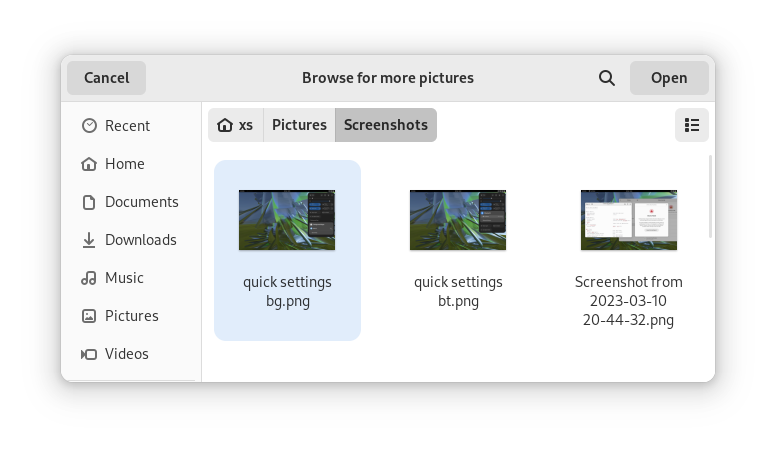
GTK 4.10, the latest version of the toolkit most of the included GNOME applications are built on, introduces a revamped file chooser with an icon view and image previews.
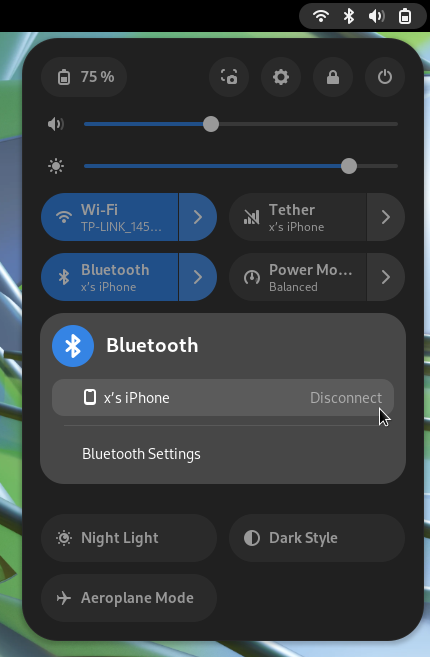
For GNOME 44 there have been a number of improvements to the Quick Settings menu. The new version includes a new Bluetooth menu, which introduces the ability to quickly connect and disconnect known Bluetooth devices. Additional information is also included in each quick settings button, thanks to new subtitles.
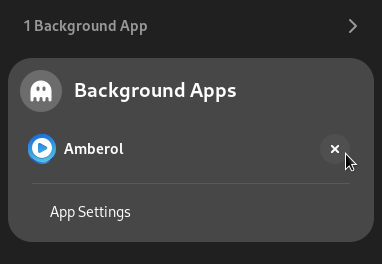
Also in the quick settings menu, a new background apps feature lists Flatpak apps which are running without a visible window.
GNOME's core applications have received significant improvements in the new version.
Settings has seen a round of updates, focused on improving the experience in each of the settings panels. Here are some notable changes:

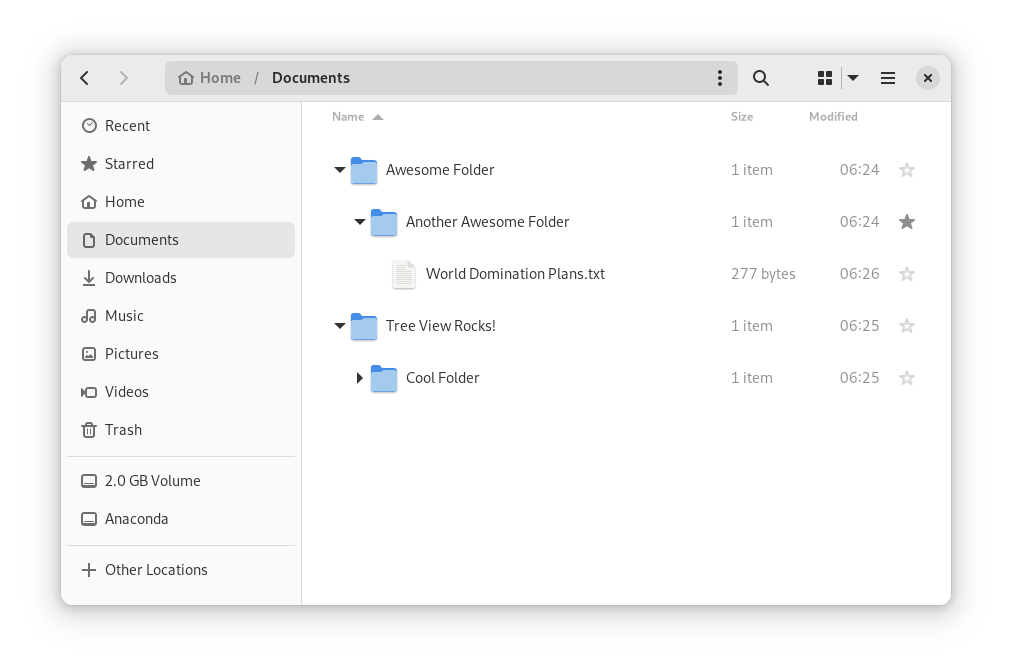
In Files, there is now an option to expand folders in the list view.
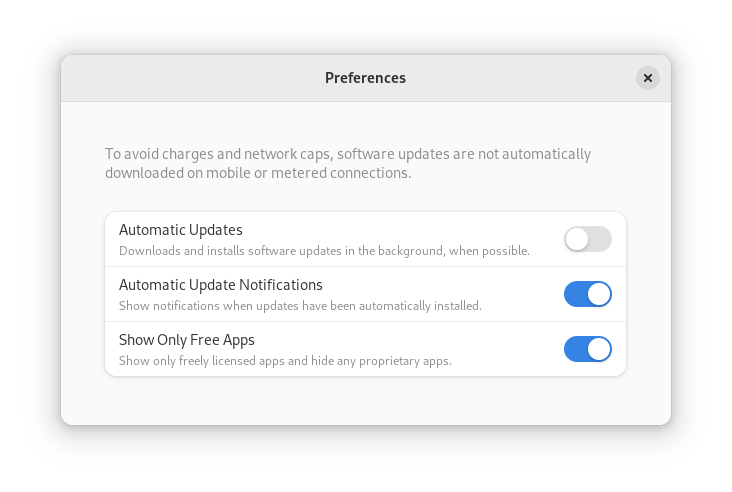
GNOME Software now automatically checks for unused Flatpak runtimes and removes them, saving disk space. You can also now choose to only allow open source apps in search results.
In Contacts, you can now share a contact through a QR code, making it super easy to share a contact from your desktop to your phone!
Fedora's third-party repositories feature makes it easy to enable a selection of additional software repos. Previous versions included a filtered version of Flathub, which included a small number of apps. For Fedora 38, this filtered version of Flathub has been replaced with a full, unfiltered version. This means that the third party repos now provide full access to all of Flathub.
The third party repos still need to be manually enabled, and individual repositories can be disabled from the GNOME Software settings. If you want to hide proprietary apps from showing up in your search results, you can also do that in GNOME Software’s preferences menu.
Fedora Linux 38 features many under the hood changes. Here are some notable ones:
Official spins for the Budgie desktop environment and Sway tiling Wayland compositor are now available!